Windows 10春季創意者更新是微軟今年的首個重大更新,帶來了Timeline、改進的Microsoft Edge、Cortana等預期功能…計劃在幾週內正式發布。 Windows 10 Spring Creator Update 也有望成為有史以來最快的安裝,因為微軟調整了一些東西。
「為此,我們將一些工作從線下階段轉移到了線上階段。結果,去年 10 月秋季創作者更新的平均離線時間下降至 51 分鐘,即 38%。但它不止於此,」約瑟夫·康威在一篇文章中解釋道。「即將推出的 Windows 版本會將部分資料移轉(移轉)移至線上階段。因此,透過 Insiders Program 安裝 Build 時的離線時間將減少到平均 30 分鐘,與 Creators Update 相比減少了 63%。
透過這些更改,安裝 Spring Creators Update 將非常快,用戶不必擔心等待一個小時。
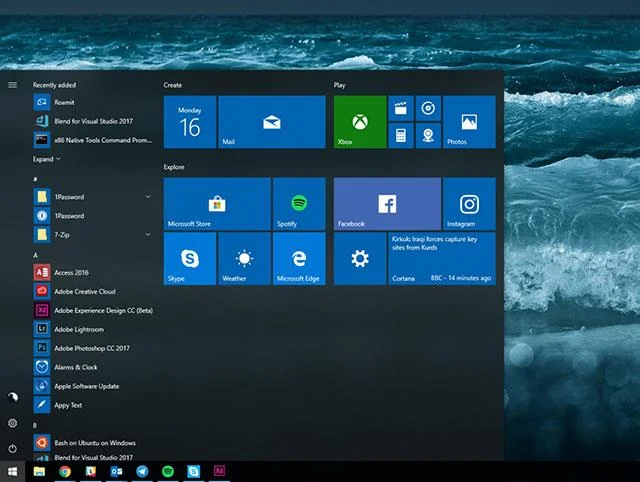
Windows 更新現在不需要像以前那麼長時間
Windows 10 Spring Creators Update 安裝說明
方法一:Windows 預覽體驗成員
步驟 1 - 使用「設定」應用程式加入 Windows Insider 計畫。前往「設定」 > 「更新與安全性」 > 「Windows 預覽體驗計畫」。
步驟 2 -從下拉式選單中選擇“僅修復應用程式和驅動程式”。
步驟 3-檢查更新。如果您沒有看到任何內容,請重新啟動電腦並檢查更新。然後 Windows 10 春季創意者更新就準備好了。
方法二:Windows 10更新助理(微軟正式發佈時)
步驟 1 - Microsoft 提供了更新助手工具來快速追蹤 Windows 的最新更新。從這裡下載這個工具。
步驟 2 -雙擊下載的檔案以掃描您的裝置並檢查最新更新。
步驟 3 - Windows 將在背景下載 Windows 10 Spring Creators Update,並在準備好後進行安裝。
看更多: