Power Automate String 函數允許用戶轉換字符串、字符串字符、格式字符串等。它們廣泛用於將數據轉換為其他來源。在本教程中,我們將介紹一些可在 Microsoft 流中使用的複雜字符串函數 - substring和indexOf函數。
目錄
Power Automate 字符串函數:子字符串
首先,讓我們討論子字符串函數。如果我們希望用戶輸入他們的名字和姓氏,並且我們只想返回名字或姓氏,則使用此方法。
substring函數返回從指定位置開始的字符串中的字符。
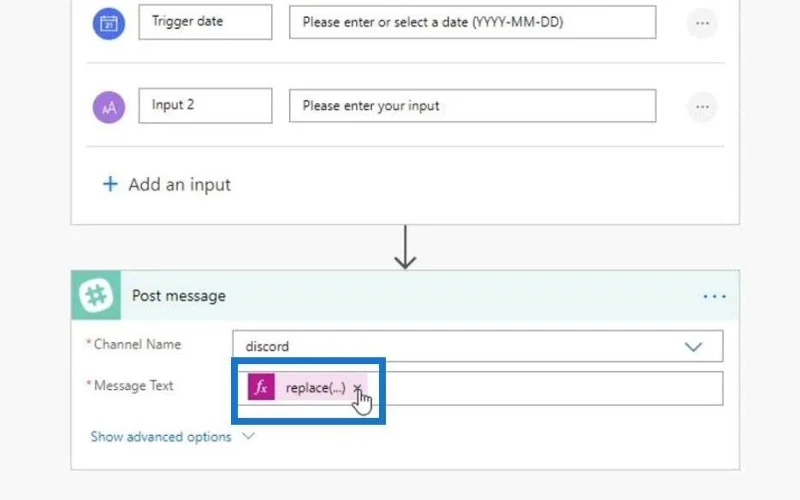
讓我們在我之前創建的示例流程中嘗試一下。我們將刪除我為消息文本設置的當前內容。
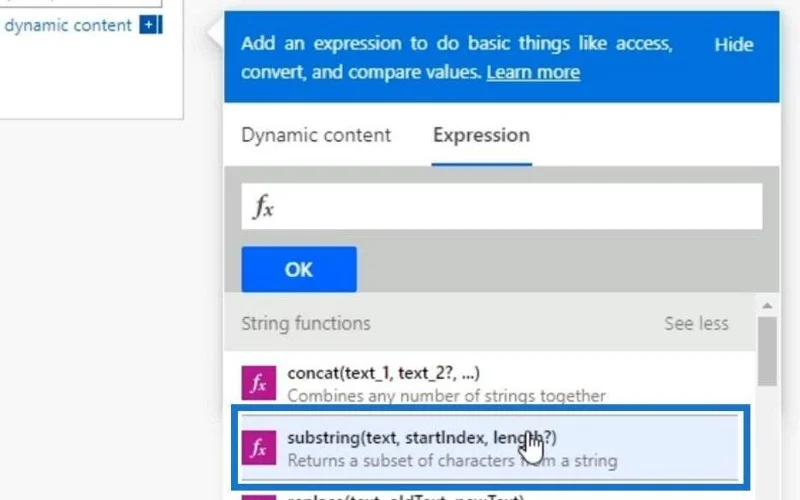
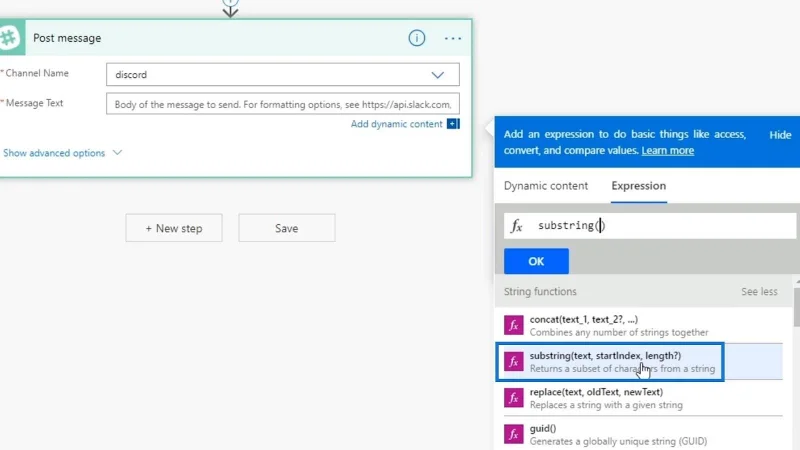
在字符串函數選擇下,選擇子字符串函數。這包含文本、startIndex 和長度參數。
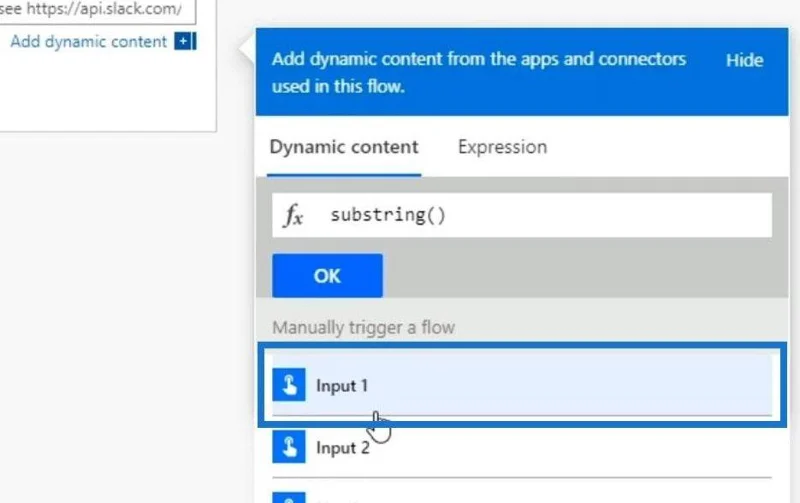
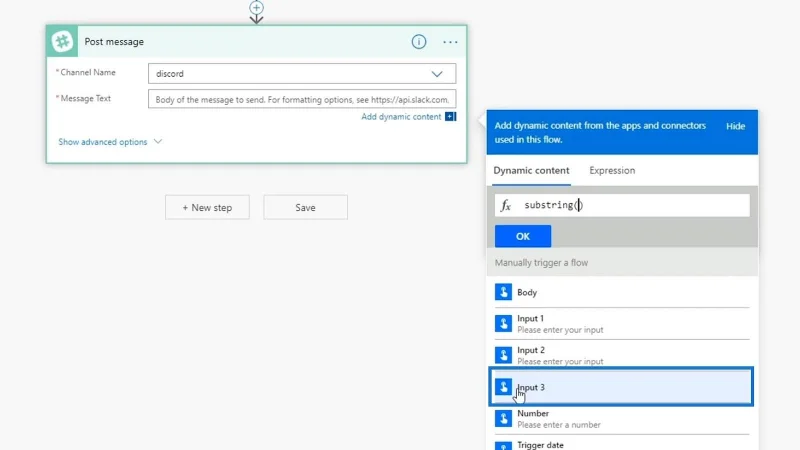
單擊後,轉到動態內容 選項卡,然後選擇 輸入 1。
讓我們將startIndex設置為 0,因為我們希望它從 0 開始。那麼它應該顯示 5 個字母。
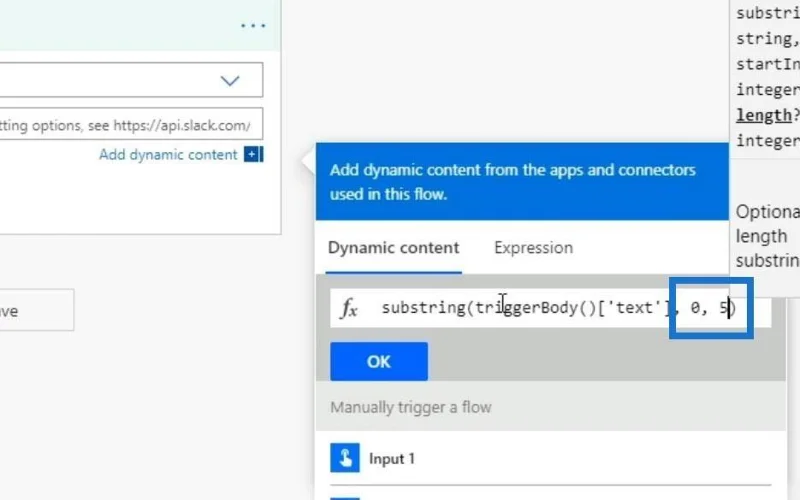
總而言之,此函數將接受輸入 1的任何內容。然後它只會給我們零到五之間的文本中的字符。現在讓我們單擊“確定”。
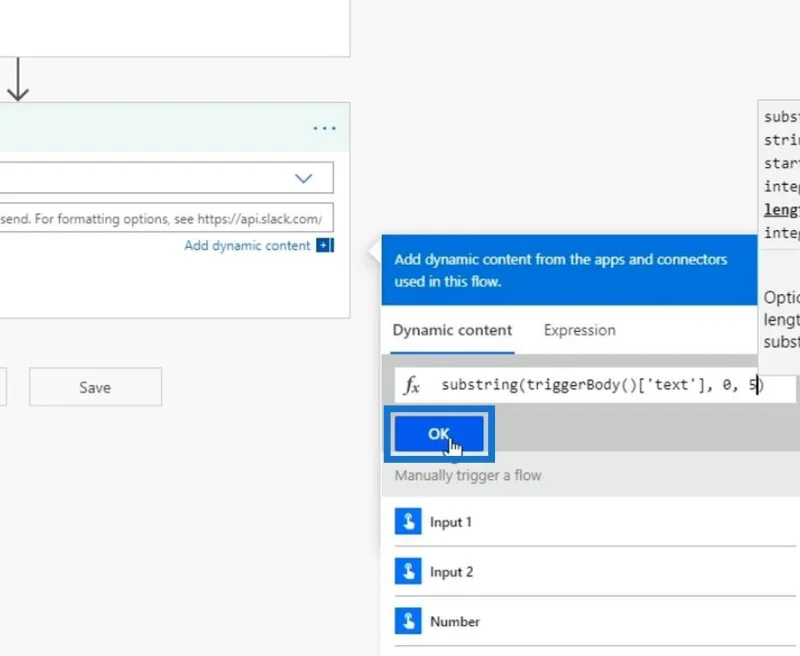
讓我們也將其與連接結合起來。因此,單擊Concat函數。
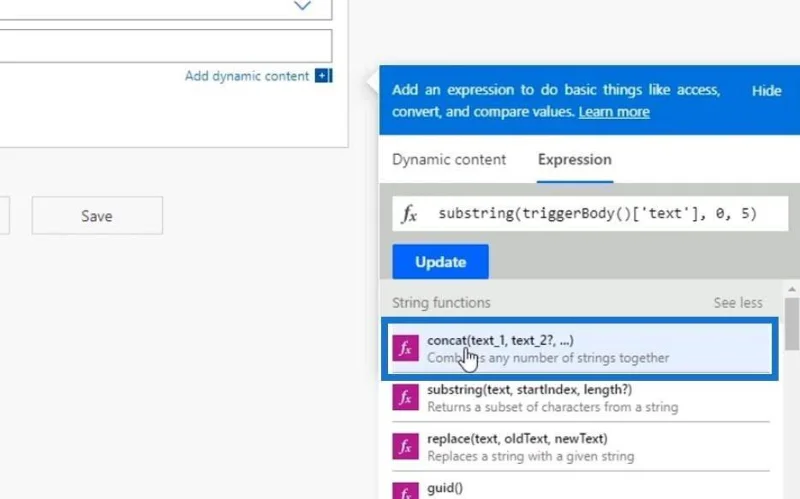
剪切 ( Ctrl + X ) 整個子字符串函數。
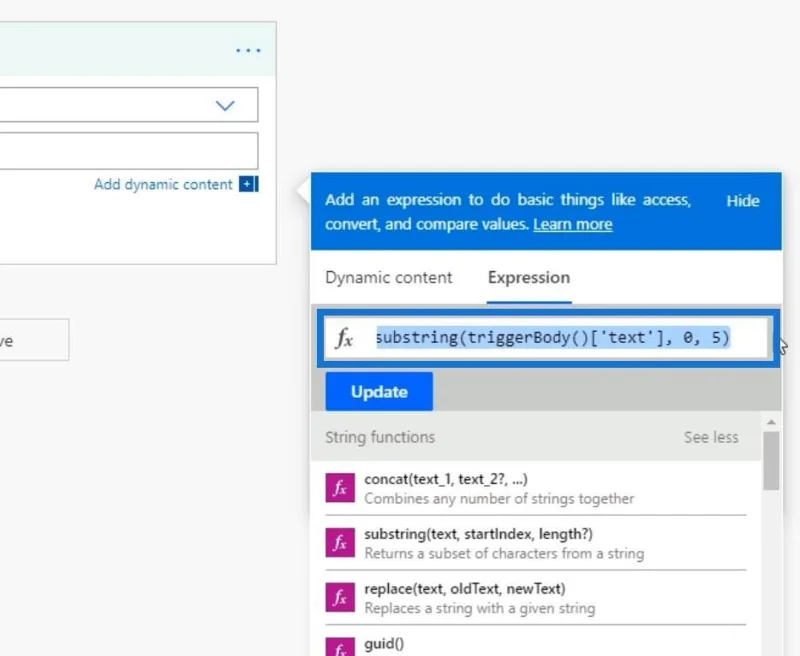
然後將其粘貼到concat函數中。
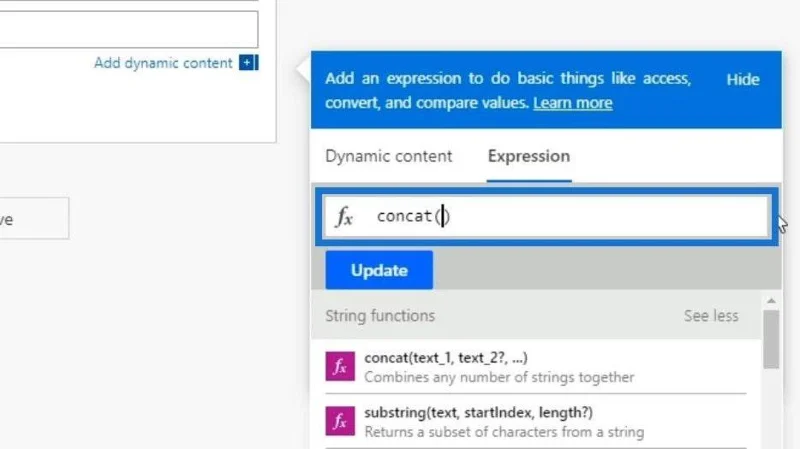
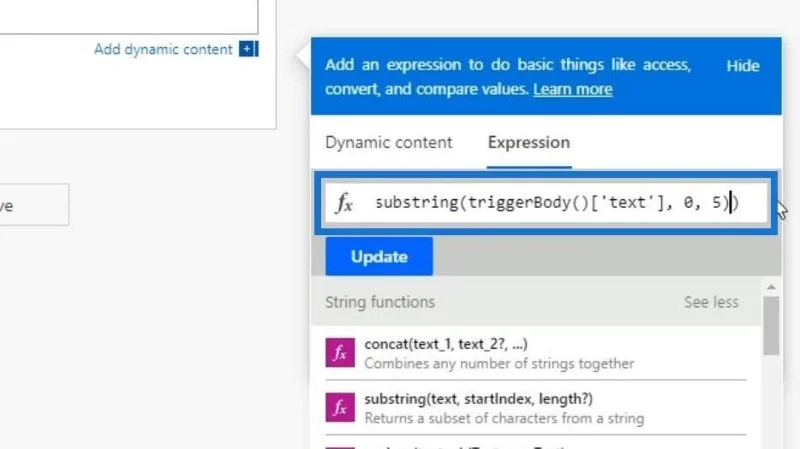
對於第一個參數,讓我們輸入“ The user first name is ”。

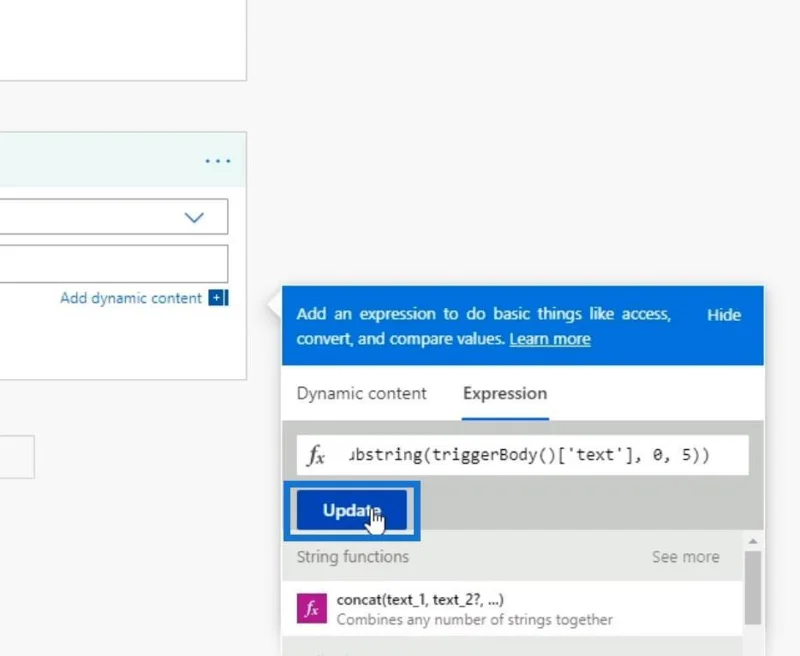
然後,單擊更新。
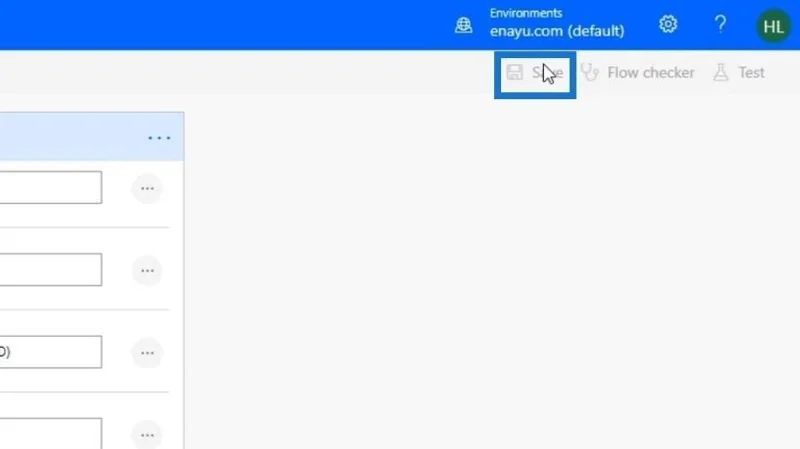
最後,點擊保存。
測試子字符串函數
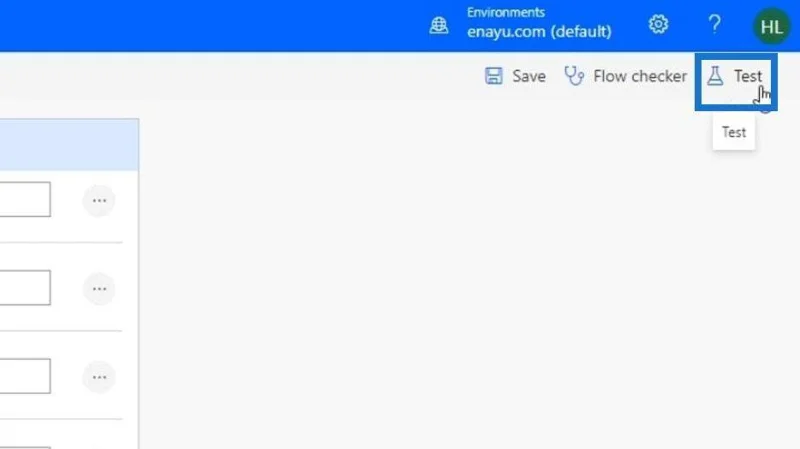
現在讓我們測試流程。
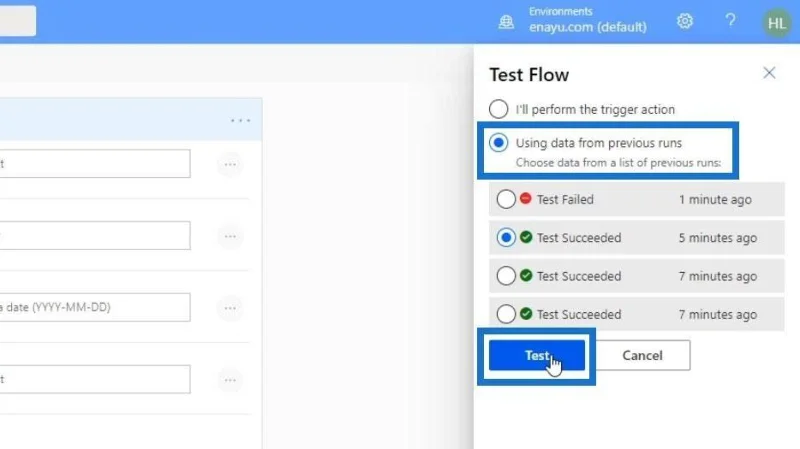
我們將只使用我之前運行的數據。
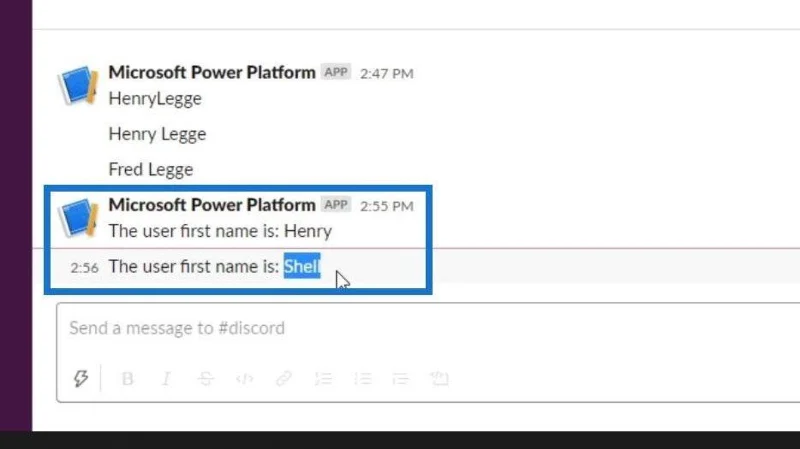
在我之前的運行中,我的輸入是Henry。這就是它顯示“用戶名字是:Henry ”的原因。
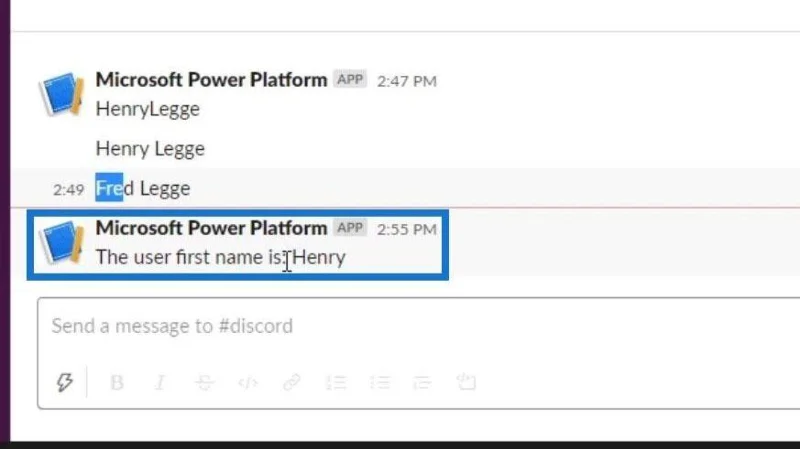
因此,substring函數可以正常工作。讓我們再次嘗試測試流程並輸入新的輸入。讓我們為輸入 1輸入Shelley並運行流程。
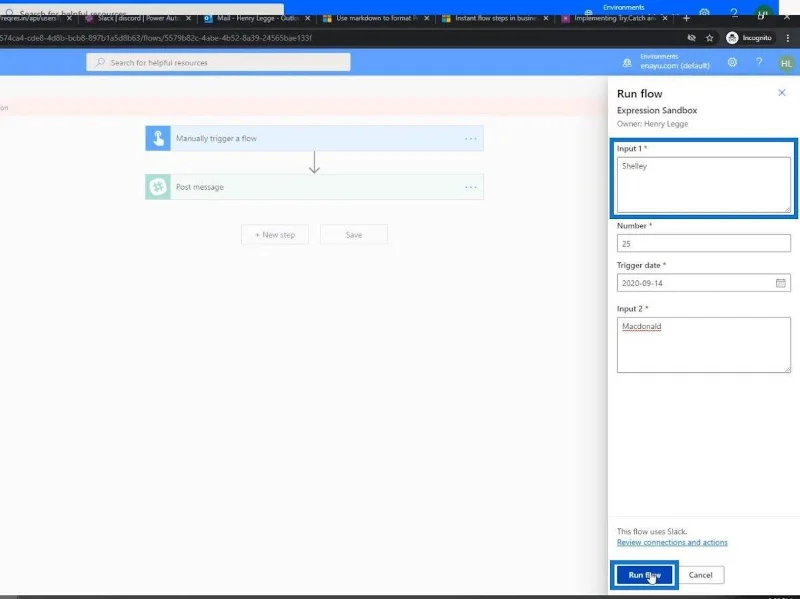
正如我們所見,它只是顯示了“ shell ”而不是“ Shelley ”。那是因為我們指定它應該只顯示 5 個字符。這就是substring函數的工作原理。
Power Automate 字符串函數:IndexOf
現在讓我們討論 power automate indexOf函數的作用。
indexOf函數以不區分大小寫的方式查找給定字符串中字符的索引或位置。
這個強大的自動字符串函數需要兩個參數:包含值的字符串和要搜索索引的值。現在讓我們回到我們的流程,讓我們添加一個新的文本輸入。
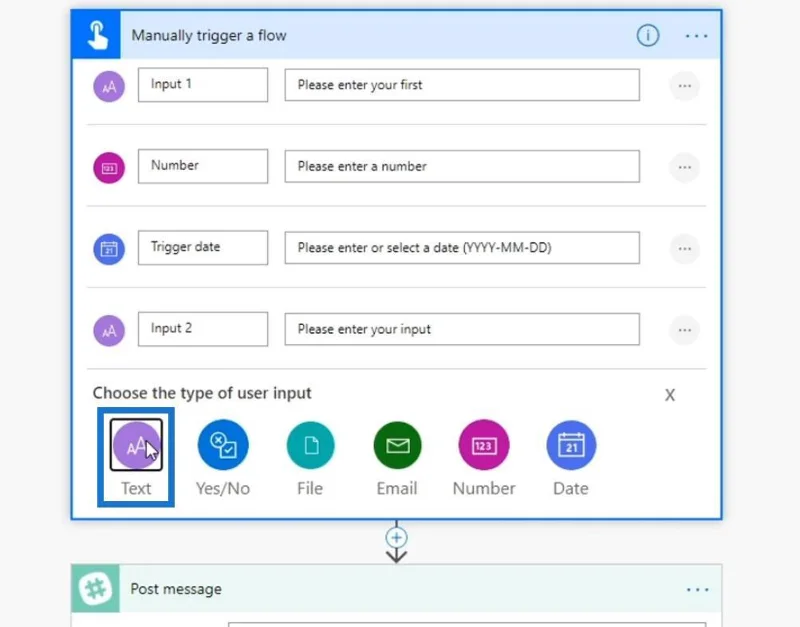
對於此輸入,我們希望用戶輸入他們的電子郵件。
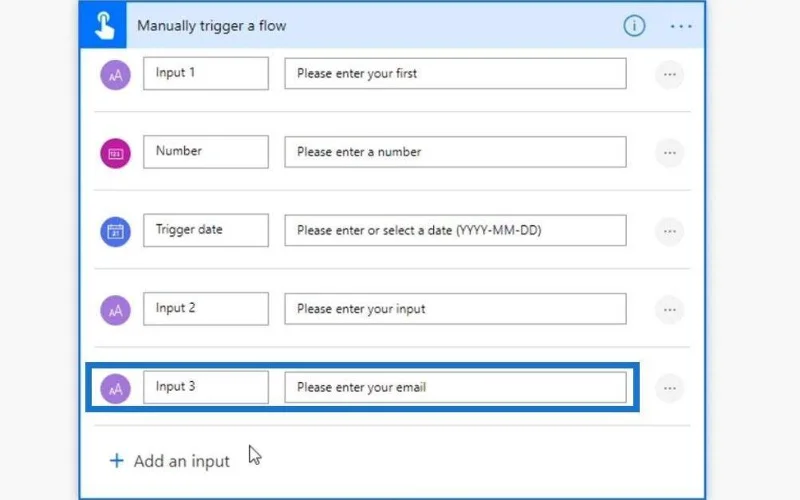
我們只想返回@字符之前的字符,而不是整個電子郵件。為此,讓我們首先刪除我們創建的初始表達式。
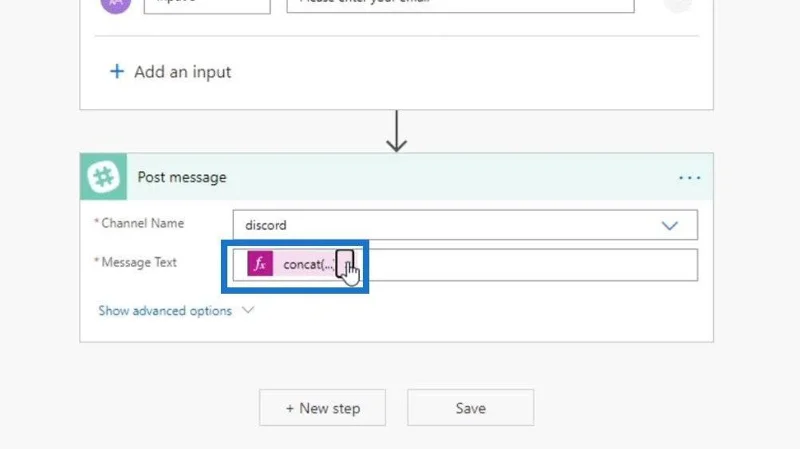
我們需要將子字符串與indexOf函數結合起來。在表達式選項卡下,選擇子字符串函數。
然後,在動態內容選項卡下選擇輸入 3。
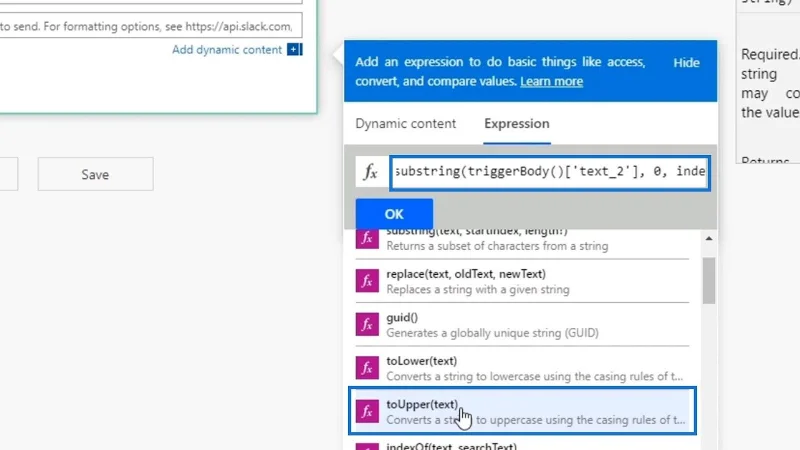
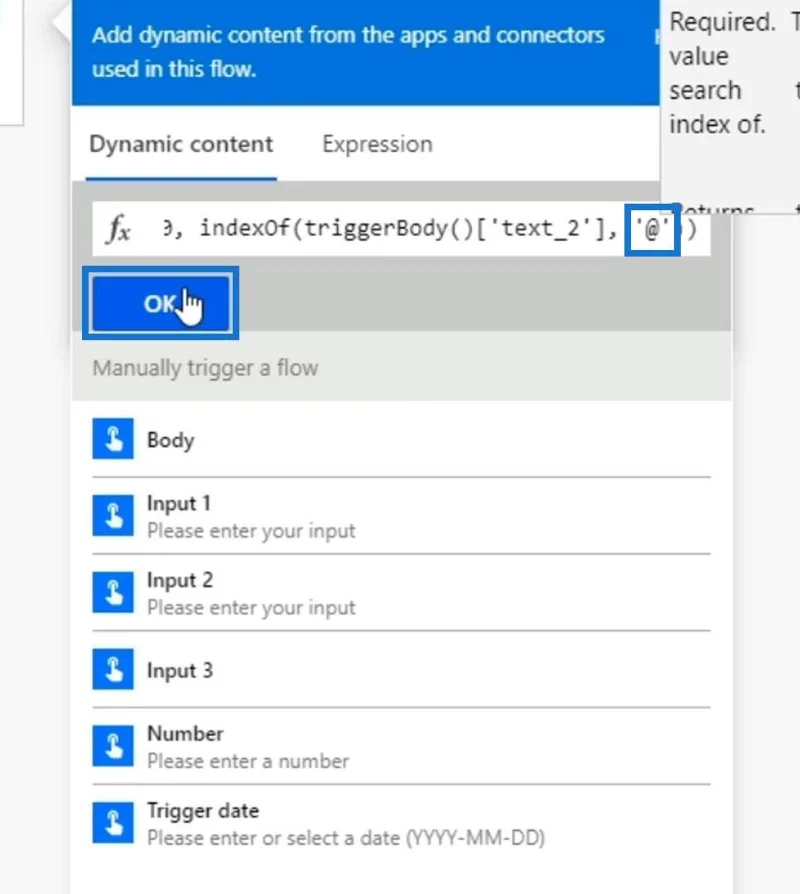
對於startIndex參數,我們設置為 0。長度應該是@字符的索引。單擊indexOf函數。
在動態內容選項卡下選擇輸入3 。
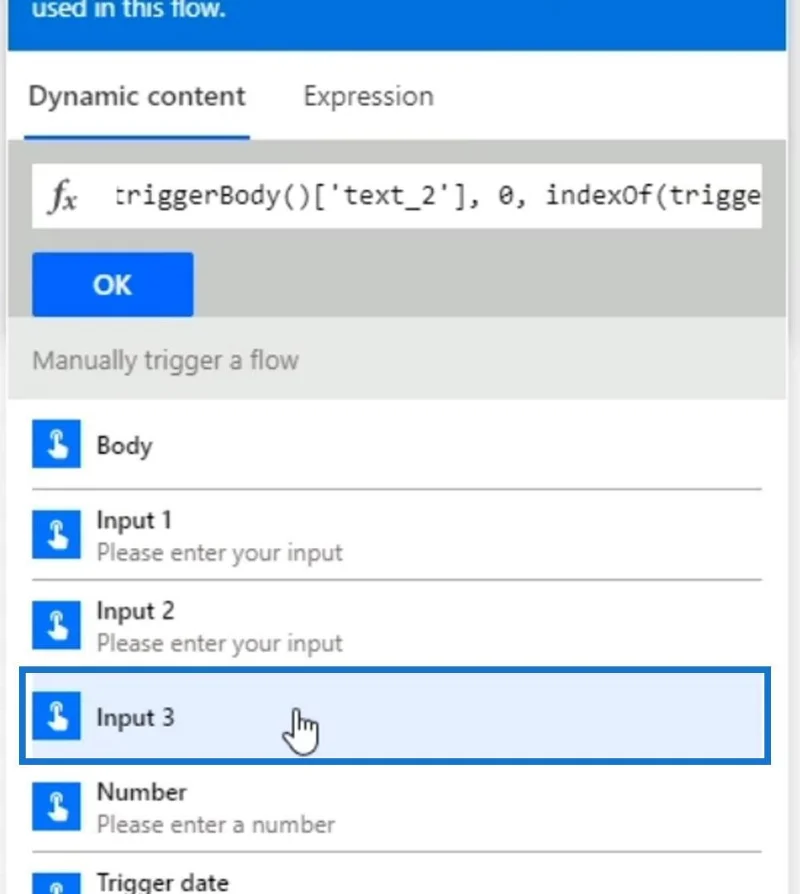
然後讓我們指定要在文本中查找的字符。在本例中,它是“ @ ”符號。然後單擊“確定”。
測試流程
現在讓我們保存並測試流程。
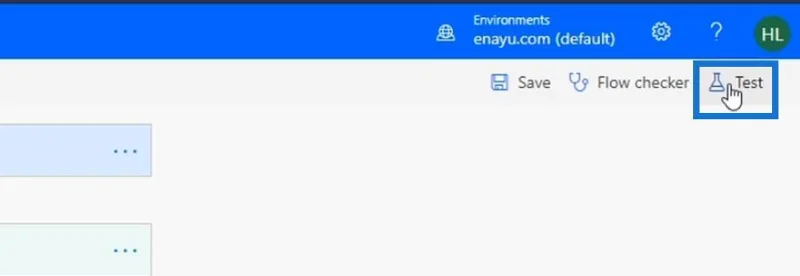
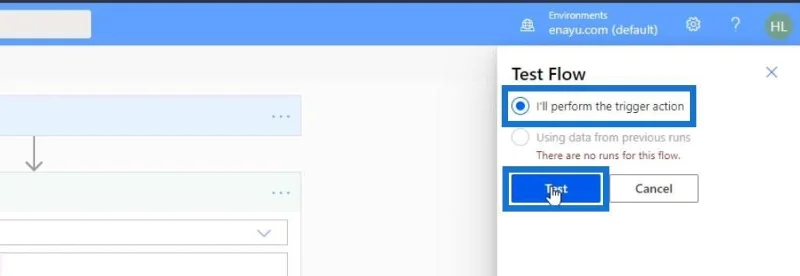
讓我們執行一個新的觸發操作,然後單擊Save & Test。
只需為其他輸入輸入任何內容。對於輸入 3,我們輸入“ [email protected] ”。然後點擊運行流程。
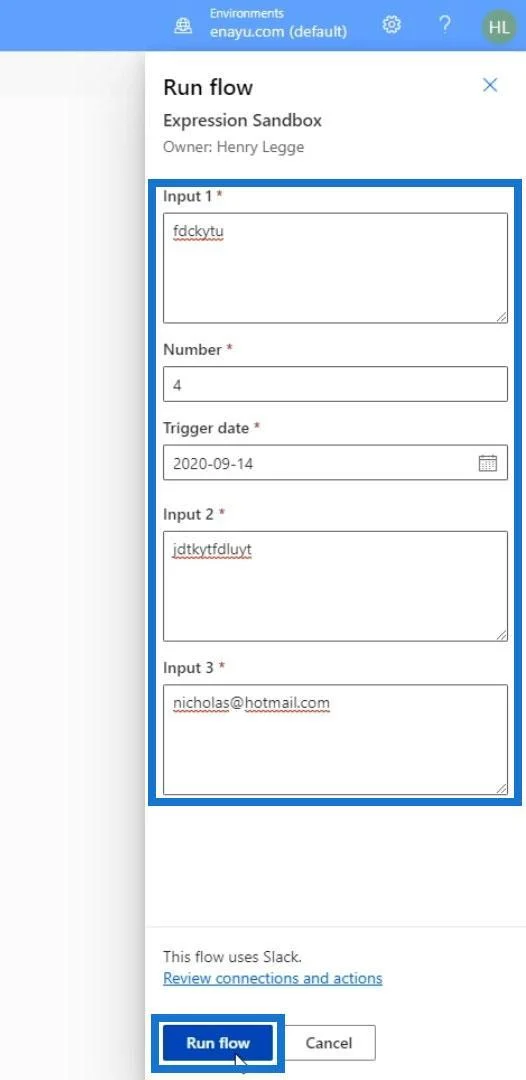
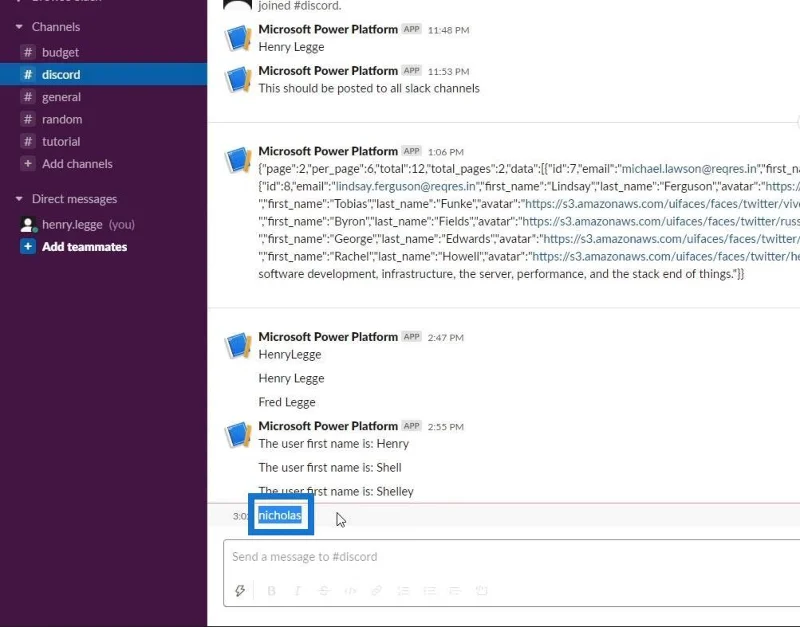
當我們查看我們的 Slack 時,我們會看到它發布了“ nicholas ”這個詞。通過組合這兩個函數,流程將始終返回@符號之前的字符。這使我們的表達更加動態。
Microsoft 流字符串函數:連接和替換
Power Automate 文檔演練
Power Automate 終止流中的操作控制
結論
在本文中,我們討論了字符串函數的常見用例。我們還可以將某些字符串函數與其他函數一起使用,例如組合substring和indexOf函數。我們這樣做是為了在文本中獲取更具體的字符,尤其是當字符串的長度發生變化時。為這些類型的實例製作我們的表達式當然是有用和有效的。
還有許多其他Power Automate 字符串函數可用於您的流程。我們將在其他博客中討論其中的一些內容。希望您能夠掌握這兩個字符串函數的用法和重要性。
一切順利,
亨利